When I opened my first store, I picked Stan. It was easy to set up, it looked clean, and I never had to fight with it. A few months later I moved everything to Beacons, and it had nothing to do with which one looked nicer.
It came down to one feature I needed for ads and what that feature cost every month. Here’s how the two compare after using both, and how I’d choose if I were starting today.
The short answer
If money isn’t tight, Stan Store is the easier and better-looking choice. If you want to run ads on a small budget, Beacons gives you the same essentials for a much smaller monthly bill. That price difference is the whole reason I switched.
Why I started with Stan Store
Stan is made for people who don’t want to think about tech. You add a product, write a short description, connect your payments and your store is live. It looks tidy on a phone, which matters, because that’s where most people will see your store.
I still think it’s the more user-friendly of the two. If I’d only wanted a store link in my bio, I probably would have stayed.
The pixel problem that made me switch
My first sale came from a Facebook ad running at $5 a day. To run ads properly, you need a Meta pixel on your store. It’s a small piece of tracking code that tells Meta who visited and who bought, so your ad can find more people like them.
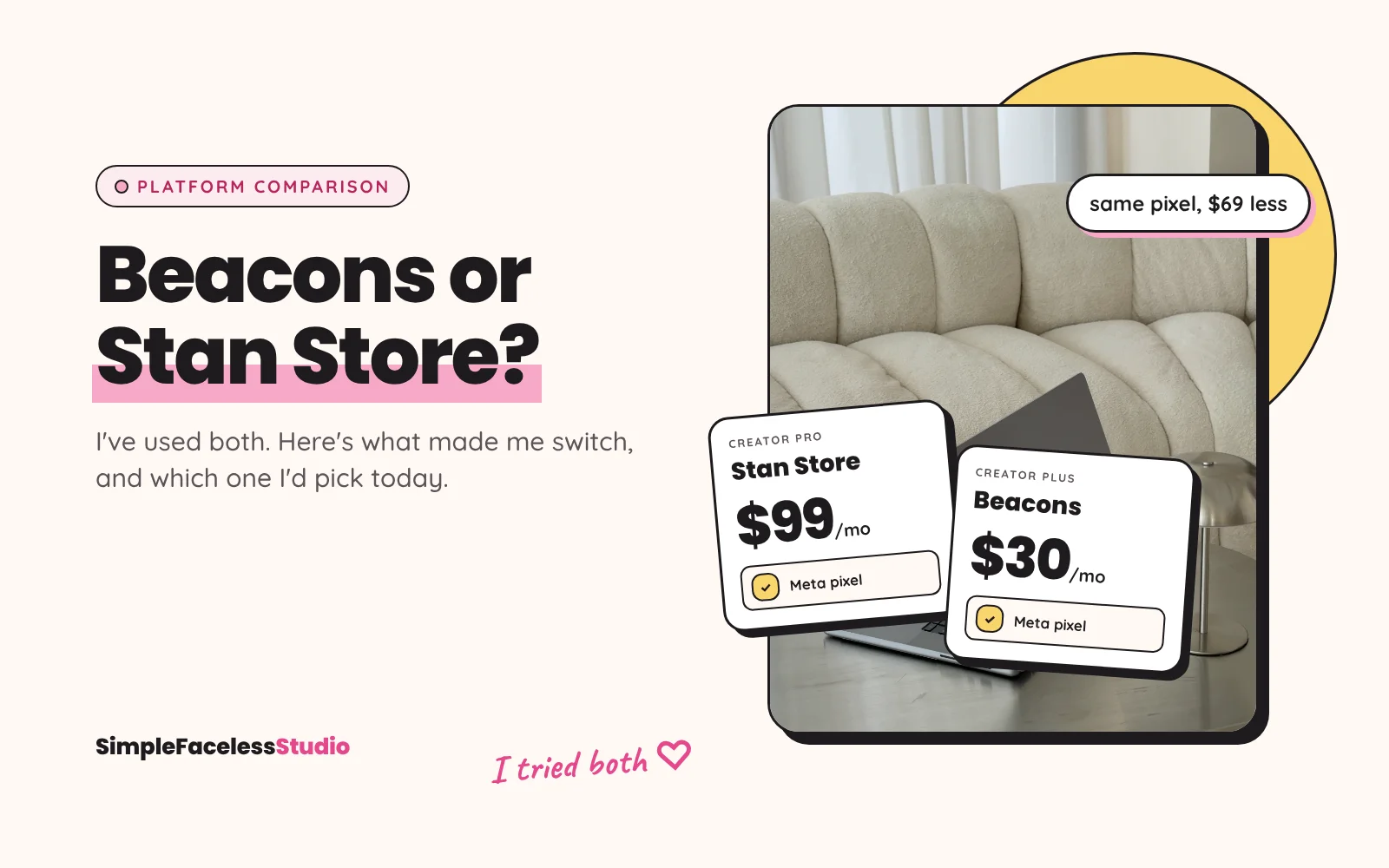
On Stan, pixel tracking is part of the Creator Pro plan, which costs $99 a month. The regular Creator plan is $29 a month, and pixel tracking isn’t listed in it. When you haven’t made a single sale yet, $99 a month is a lot to pay before you know if anything works.
On Beacons, I pay $30 a month for the Creator Plus plan, and the pixel works there along with everything else I use. For a beginner budget, that difference was too big to ignore.
Beacons vs Stan Store side by side
| Stan Store | Beacons | |
|---|---|---|
| Monthly price | Creator $29, Creator Pro $99 | Free, Creator $10, Creator Plus $30 |
| Meta pixel | Creator Pro ($99/month) | I use it on Creator Plus ($30/month) |
| Fee on digital product sales | 0% (payment processing fees still apply) | 9% on Free and Creator, 0% on Creator Plus |
| Comment-to-DM for Instagram | Stan AutoDM | Smart Reply |
| Trying it out | 14-day free trial | Free plan |
| Ease of use | Very easy and polished | Takes a little longer to learn |
Prices as of October 2026. Check both pricing pages before you sign up, because plans change.
What I use on Beacons
I use four things on Beacons: my store, Smart Reply, email and the pixel. Smart Reply is the comment-to-DM tool. Someone comments a keyword under my Reel, and Beacons sends them a DM with a link to my free guide.
Email lives in the same place, so new subscribers don’t get lost between two tools. And the pixel tells me whether my ads lead to sales or just to clicks, which is the part I couldn’t afford on Stan.
What’s annoying about Beacons
Building and editing my profile has been clunky at times. The app isn’t as user-friendly as Stan, so some things take more figuring out.
You learn it fast, though. Beacons also adds new features all the time, so some of the things that bugged me at the start have already improved.
Which one should you choose?
My shortest answer: if you have the money, get Stan. If you’d rather keep that $69 a month difference, Beacons does the job.
A bit more detail:
- Choose Stan Store if you want the easiest setup, you don’t plan to run ads yet, or $99 a month won’t hurt when you do need the pixel.
- Choose Beacons if you’re on a small budget, you want to run ads soon, or you want your store, email and comment-to-DM in one place without paying for the top plan.
If you go with Beacons, you can sign up through my referral link and get $20 in credit on the Creator Plus plan. It’s a referral link, so I may get a small reward too.
FAQ
Is Stan Store worth $99 a month?
It can be, once your sales cover it. For a beginner who hasn’t sold anything yet, I’d start on the $29 Creator plan or on Beacons, and only pay for Creator Pro when you need the pixel and can afford it.
Does Beacons take a cut of my sales?
On the Free and Creator plans, Beacons takes 9% of digital product sales. On Creator Plus, the fee is 0%. Payment processing fees apply on every platform.
Do I need a Meta pixel to sell digital products?
No, you can sell without one. You only need the pixel if you run Meta ads and want them to find buyers, not just people who click.
Can I switch from Stan Store to Beacons later?
Yes, I did. You set up your products again on the new platform and update every link that points to your old store, including your bio and your DM automations.
Where to start: if you’re still figuring out how to get your first visitors, the free guide No Face, No Following shows how I bring new people in without showing my face. And if you want a product you can put in your store this week, start with the Daily Income Blueprint.